
One of the common errors clients encounter on SERVERware is that their VPSs do not load on the GUI. It looks like this:
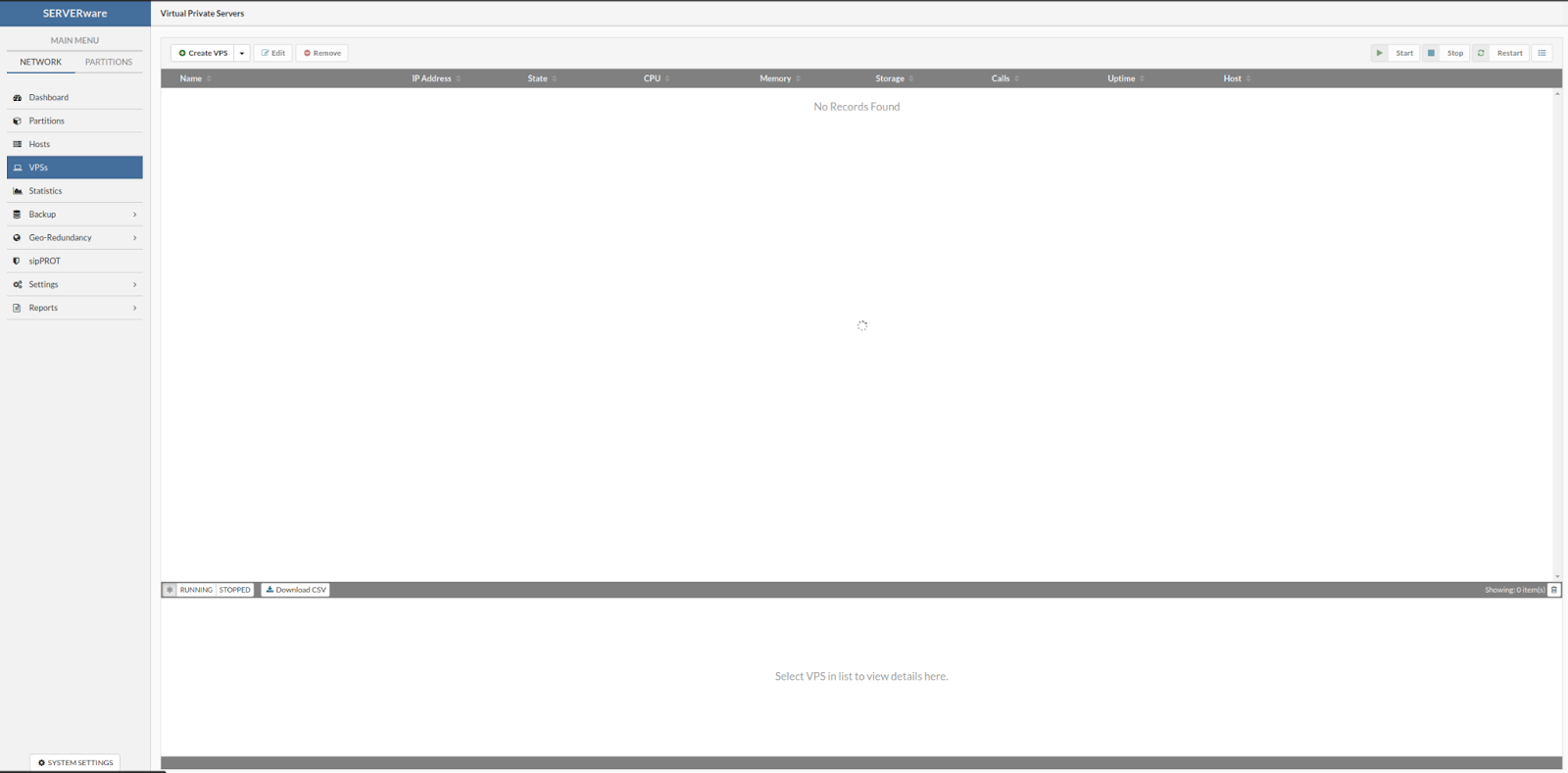
Although it might sound complex, resolving this issue is quite simple. The first thing we need to do is SSH into the controller and check the `/var/log/messages` log. We can even narrow it down by typing the command `cat /var/log/messages | grep -i "Failed to fetch VPSs"`, and we will get this error:
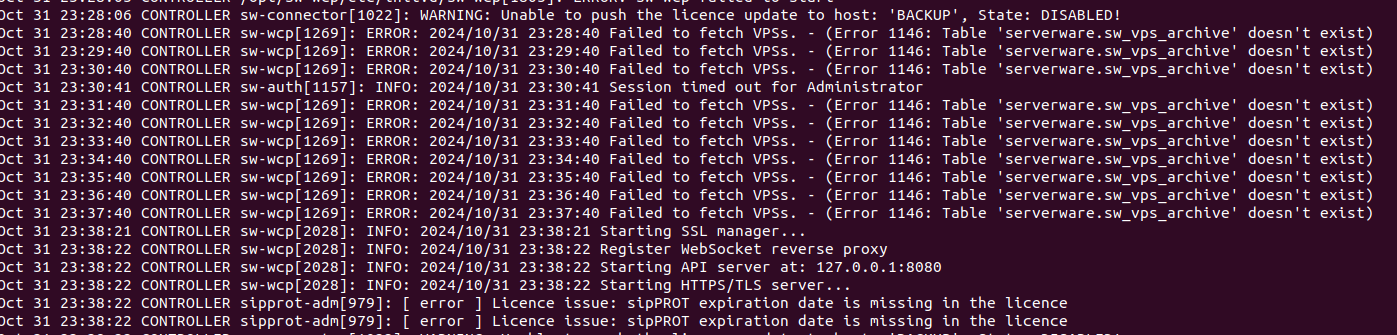
This indicates that a table is missing in the MySQL database, and it needs to be recreated. To see which query we need to run, we will connect to one of our clusters via ssh connection, and access MySQL by typing the command `mysql`.
Once inside MySQL, we execute the following commands:
1. `use serverware;`
2. `show tables;`
Here, we will find a table named `sw_vps_archive`.
The next step is to run the command: `SHOW CREATE TABLE sw_vps_archive;`
This is the output of the command above:
| sw_vps_archive | CREATE TABLE `sw_vps_archive` (
`uuid` char(32) NOT NULL,
`vps_uuid` char(32) DEFAULT NULL,
PRIMARY KEY (`uuid`),
KEY `vps_uuid` (`vps_uuid`),
CONSTRAINT `sw_vps_archive_ibfk_1` FOREIGN KEY (`vps_uuid`) REFERENCES `sw_vpses` (`uuid`) ON DELETE SET NULL
) ENGINE=InnoDB DEFAULT CHARSET=utf8 |
We now copy the output of this command and paste it on the customer’s controller in the same `serverware` database. With this, we recreate the missing table, and when we return to the SERVERware GUI, the VPSs will be visible.