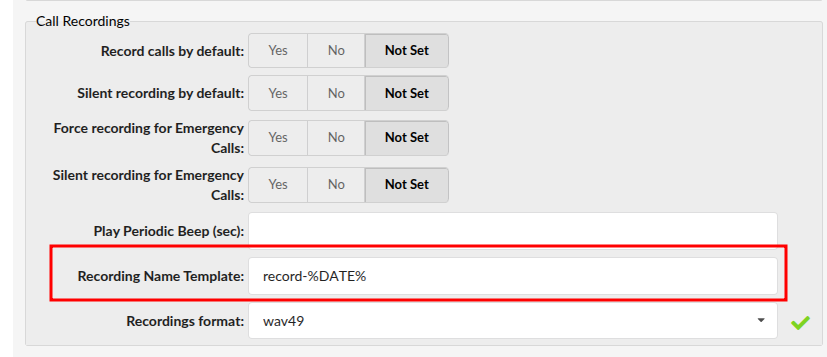
The Recording Name Template is a configuration setting in PBXware that determines how call recording files are labeled when they are saved to the system.
By default, the system might save files with generic names. By customizing this template, you can ensure that every audio file contains vital information—such as the date, time, and caller ID—directly in the filename. This makes searching, archiving, and identifying recordings much faster for your management team.
How it Works
The template uses variables that the system automatically fills in at the moment a call begins. For example, if your template is:
record-%DATE%-%EXT%
A call from extension 101 on January 15th would result in a file named:
record-20260115-101.wav
Common Variables
You can use any combination of the following tags to build your custom filename:
%DATE%: The year, month, and day of the call (YYYYMMDD).
%TIME%: The exact timestamp when the recording started (HHMMSS).
%EXT%: The internal extension number involved in the call.
This option can be found under Master Tenant or slave Tenant level:
Settings --> Tenants --> Tenant in question --> Call Recordings